
Yes — a YouTube channel can be renamed up to two times in any 14-day window. In YouTube Studio go to Customization → Profile, type the new name and click Publish. The handle (@name) is changed in the same place, with the same twice-in-14-days limit. Renaming removes a verification badge, and the update can need several days to spread.
Channels outgrow their names: a gaming channel becomes a tech channel, a nickname from school no longer fits, a brand rebrands. YouTube allows the change, but there are limits and side effects worth knowing before you click Publish. Below: name vs handle, step-by-step instructions for computer and phone, what happens to your URL, subscribers and badge, and how to pick a name you won't want to change again.
Channel name vs handle: what's the difference?
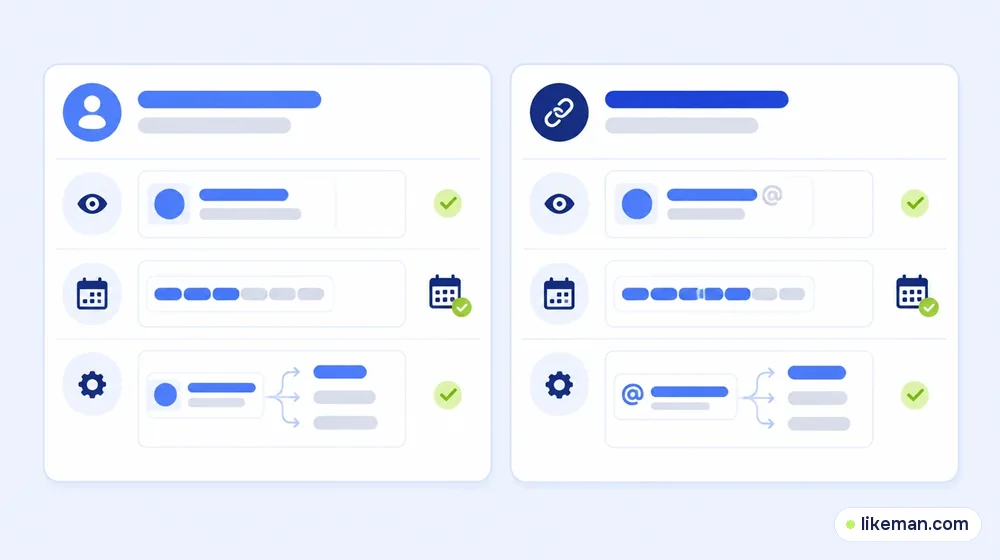
| Channel name | Handle | |
|---|---|---|
| Looks like | Tasty Kitchen | @tastykitchen |
| Unique? | No — several channels can share a name | Yes — one per channel |
| Where it appears | Channel page, under your videos | Comments, mentions, Live Chat, Shorts, your URL |
| Change limit | Twice in 14 days | Twice in 14 days |
| Length rules | Must follow Community Guidelines | 3–30 characters in most scripts |
YouTube describes handles as short, unique identifiers that start with "@" and are distinct from channel names.<!-- checked: 2026-10-16, https://support.google.com/youtube/answer/11585688 -->
How to change your channel name on a computer
According to YouTube Help:<!-- checked: 2026-10-16, https://support.google.com/youtube/answer/2657964 -->
- Sign in to YouTube Studio.
- In the left menu, choose Customization, then Profile.
- Enter your new channel name.
- Click Publish.
YouTube warns that the rename can need several days before every page on the platform shows it. The change applies to YouTube only — your Google Account name and photo stay as they are, and you can edit those separately.
If the name won't update
YouTube's tip: delete any channel name translations before updating. Translations of the old name can block the change. Also check that the new name follows Community Guidelines — impersonation and misleading names aren't allowed.
How to change your channel name on a phone
In the YouTube app:
- Tap your profile picture, then Your channel (or View channel).
- Tap the pencil icon next to your channel name.
- Edit the name and tap the check mark or Save.
The YouTube Studio app offers the same option under your channel's profile settings. The 14-day limit applies on every device.
How to change your handle
Handles are edited in the same Studio section: Customization → Profile → Handle. Type a new one, check that it's available, and click Publish. The handle shares the name's limit: two edits per fortnight.
Handle rules, from YouTube Help:
- 3 to 30 characters for most alphabets (other limits apply to some scripts).
- Letters or numbers from supported languages; not case-sensitive.
- Underscores, hyphens, periods and Latin middle dots are allowed, but not at the start or end.
What happens to your URL
Your channel's handle URL — youtube.com/@yourhandle — is created automatically when you choose or change a handle. Old custom URLs can no longer be set up or changed, but existing ones keep working and now point to your handle-based address.<!-- checked: 2026-10-16, https://support.google.com/youtube/answer/2657968 --> After a handle change, update the link in your bios, website and video descriptions; the old @handle may become available to someone else.
What changes — and what doesn't — when you rename
| Stays the same | Changes |
|---|---|
| Subscribers and their subscriptions | The name shown on your videos and channel |
| Videos, views, comments and watch time | Verification badge — removed after a name change |
| Monetization status and earnings | Search results gradually update |
| Channel ID (the UC… address) | Old mentions of your name in other people's videos |
The badge point is the big one: YouTube says changing your name removes the verification badge.<!-- checked: 2026-10-16, https://support.google.com/youtube/answer/2657964 --> A verified channel may need to apply again if it still meets the requirements, so verified creators should rename only when they're sure.
How to choose a name you won't want to change
- Short and pronounceable. People should be able to say it out loud and type it after hearing it once.
- Broad enough to grow. "Daily iPhone Tips" boxes you in; "Tech With Sam" leaves room.
- Matching handle. Check that the @handle is free before announcing the new name.
- Same name everywhere. Instagram, TikTok and X handles that match make you easier to find.
- Announce it. Pin a community post or comment explaining the rename so regulars don't think they're watching a different channel.
A rename won't bring viewers on its own. Steady growth comes from content and packaging — our checklist for gaining subscribers covers the habits, and what YouTube pays per view shows what that audience can earn.
How it works at LikeMan
A rebrand sometimes lands on a channel that's still small. LikeMan delivers YouTube subscribers to the channel link you give us — no Google sign-in or channel permissions are involved. Payment is for the amount shown, the order starts on its own, and declines within twelve months of ordering are refilled. Subscribers from an order won't watch your uploads, and watch time drives YouTube's recommendations — so a new name still needs videos worth subscribing to.
FAQ
How many times can you change your YouTube channel name?
Two times per 14 days. After that, you have to wait until the window resets.
Will I lose subscribers if I change my channel name?
No. Subscribers, videos and views stay. Some viewers may not recognise the new name at first, so announce the change.
Does changing the channel name change the URL?
No. Your URL depends on your handle (youtube.com/@handle) or channel ID. Change the handle if you need a new address.
Why can't I change my YouTube channel name?
You may have hit the twice-in-14-days limit, or channel name translations are blocking the update. Delete the translations and try again.
Conclusion
A channel can be renamed two times per fortnight in YouTube Studio (Customization → Profile) or the YouTube app. The handle has its own field and the same limit. Subscribers, videos and earnings stay, but a verification badge is removed and the new name can lag on some pages for a while. Pick a name with room to grow, match the handle, and announce the change to your audience.