
To see TikTok analytics, open your profile, tap the Menu (☰) and choose TikTok Studio, then Analytics — or use the separate TikTok Studio app, or tiktok.com/tiktokstudio on a computer. For a single video, open it from your profile and tap More insights. You need at least one public post for analytics to appear. Account analytics are split into Overview, Content, Viewers and Followers.
Analytics are where TikTok tells you what's working: which videos found new people, when your audience is online, who they are and what they say in the comments. Below: every place to find the numbers, what each tab means in plain language, a weekly routine to turn data into decisions, and common reasons analytics look empty or confusing.
Where to find TikTok analytics
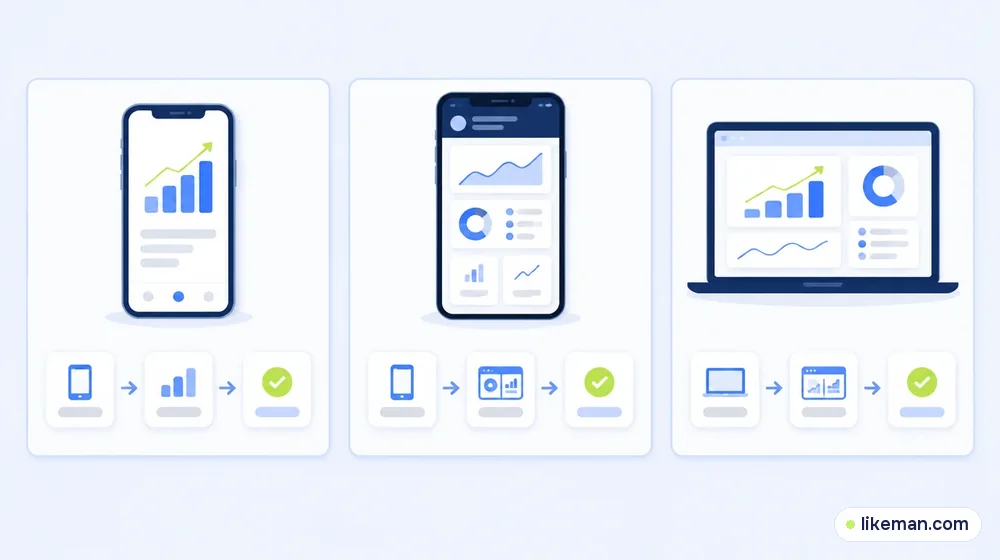
TikTok Studio is TikTok's creator hub. TikTok describes it as a separate app for growing an account, managing content and getting performance insights in one place; a lighter version with limited tools is also built into the TikTok app and available in a web browser.<!-- checked: 2026-10-16, https://support.tiktok.com/en/using-tiktok/creating-videos/tiktok-studio -->
| Where | How to get there | Best for |
|---|---|---|
| TikTok app | Profile → Menu (☰) → TikTok Studio → Analytics | Quick checks on the go |
| One video in the TikTok app | Profile → open a post → More insights / More data | Analysing a single video |
| TikTok Studio app | Analytics tab at the bottom | Deeper creator tools and rewards |
| Computer | tiktok.com/tiktokstudio → Analytics, or Posts → View analytics | Comparing many videos on a big screen |
All three use your normal TikTok login and show the same data.
Requirement: one public post
TikTok notes that you must have at least one public post to access analytics.<!-- checked: 2026-10-16, https://support.tiktok.com/en/using-tiktok/growing-your-audience/switching-to-a-creator-or-business-account --> A brand-new account with only drafts or private videos will see an empty dashboard.
Account analytics, tab by tab
TikTok lists four sections of account analytics in TikTok Studio:
Overview — a summary of your account: views, profile views, likes, comments, shares and follower changes for the date range you pick. Use it to spot trends: did views rise after you changed format?
Content — metrics for all your posts, plus trending content. Sort posts by views to find your winners and by date to see your latest performance.
Viewers — key metrics about the people who watched your content: demographics and the times they're active. This is where you learn when to post.
Followers — the demographic view and other insights about your followers specifically. Compare it with Viewers: if viewers are mostly a different age or country from your followers, your videos are reaching new people.
Video analytics: what one post tells you
For a single post, TikTok shows three areas:
- Overview — summary of the post: views, likes, comments, shares, saves, watch time and how many viewers watched to the end.
- Viewers — who watched this particular video and when.
- Engagement — comment insights and ideas for future posts.
The most useful single-video numbers are average watch time and watched full video. They tell you whether the opening held attention and whether the length was right. Traffic-source data (For You, Following, profile, search, sound) shows how the video was found — a big share from search means your title and on-screen text match what people look for.
Comment insights: AI summaries of what people say
Comment insights use AI to summarise and filter comments into categories, so you can see the most-discussed topics, content suggestions from your audience, positive comments and questions.<!-- checked: 2026-10-16, https://support.tiktok.com/en/using-tiktok/growing-your-audience/comment-insights-on-tiktok --> You must be 18+ and the feature isn't available everywhere.
Where to open them:
- TikTok app: Profile → select a post → More insights or More data → Engagement → tap a topic.
- TikTok Studio app: Analytics → Engagement.
- Computer: tiktok.com/tiktokstudio → Posts → View analytics next to a post → click a comment topic.
Questions that come up again and again are your next video ideas.
Insights on other creators' posts
Depending on your location, TikTok Studio can show aggregated insights on other creators' posts in the Inspiration feed: a post summary (views, engagement rate), trend charts over time, AI topic summaries for posts with enough comments, and creator growth insights. Use it to study formats in your niche — not to copy videos, but to understand what holds attention.
Monetization analytics
If you're in a monetization program, TikTok Studio's Monetize section shows estimated rewards for the past 7 days, your balance, rewards analytics, active programs and programs you might join. What those programs pay is covered in our guide to TikTok earnings.
LIVE creators also see LIVE metrics in analytics; LIVE Studio on a computer adds its own LIVE analytics. Requirements for going live are in our article on TikTok's LIVE follower threshold.
When analytics change or disappear
| Situation | What happens |
|---|---|
| No public posts | Analytics aren't available |
| You delete a video | Its analytics go with it |
| You set a video to private | Treat its numbers as frozen — new viewers can't find it |
| A fresh video | Numbers can lag for the first hours |
| Feature not available in your region | Some sections (like comment insights) don't appear |
If a number looks wrong, wait a day before drawing conclusions; TikTok updates metrics over time.
A weekly analytics routine
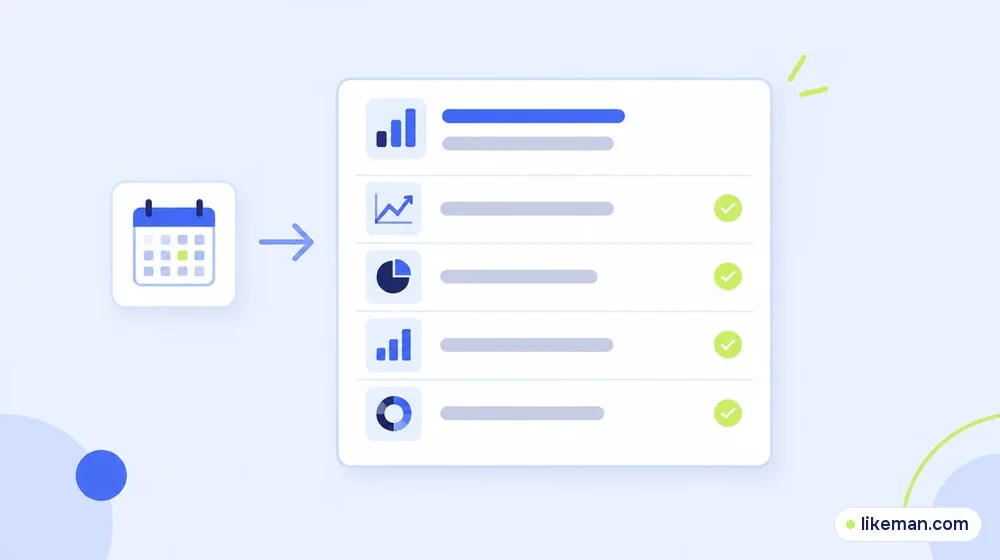
Spend 15 minutes once a week:
- [ ] Overview: note total views and follower change versus last week.
- [ ] Content: list your top three videos by views.
- [ ] For each top video: check average watch time and the share who watched to the end.
- [ ] Traffic sources: note how much came from For You versus search.
- [ ] Viewers: check the most active hours and adjust next week's posting times.
- [ ] Followers: watch for shifts in age, gender or country.
- [ ] Comment insights: write down two questions viewers asked.
- [ ] Plan: make two videos that answer those questions in the format of your best performer.
This turns analytics from a scoreboard into a to-do list. For the wider growth playbook, see our TikTok follower guide.
Common analytics mistakes
- Chasing total views only. A video with fewer views but more follows might be more valuable.
- Judging too early. Some videos pick up days later, especially from search.
- Comparing different formats. A 10-second loop and a 3-minute tutorial need different benchmarks.
- Ignoring comments. Numbers say what happened; comments explain why.
- Changing everything at once. Test one thing — hook, length, posting time — per week so you know what worked.
- Forgetting the profile. Profile views that don't turn into follows usually point to a weak bio or a grid that doesn't show what the account is about.
- Overlooking saves and shares. They signal that a video is useful or worth passing on, which matters as much as likes for planning the next one.
How it works at LikeMan
During hook and format tests, a new video stuck at a few plays gives you very little to read in analytics. LikeMan offers TikTok views for a video's public link, and we never request account access. The price is fixed before you order, delivery runs automatically, and lost views are topped up for twelve months. Keep in mind how this shows up in your dashboard: ordered views raise the view count but don't add real watch time, comments or follows — so judge your content by retention and engagement, not by the view total alone.
FAQ
How do I see analytics on TikTok?
Profile → Menu (☰) → TikTok Studio → Analytics in the app, the Analytics tab in the TikTok Studio app, or tiktok.com/tiktokstudio on a computer.
Why can't I see my TikTok analytics?
You need at least one public post. Also check that your app is updated; some sections aren't available in every region.
Do I need a business account for TikTok analytics?
No. General (personal) accounts have analytics in TikTok Studio too.
Can I see analytics for someone else's TikTok?
Only aggregated insights on posts in TikTok Studio's Inspiration feed, where available — not their private dashboard.
How often do TikTok analytics update?
Continuously, but not instantly. New videos can show delays in the first hours, and TikTok may adjust numbers later, so compare weeks rather than single hours.
Where are TikTok comment insights?
In a post's Engagement tab (TikTok app or TikTok Studio), or Posts → View analytics on tiktok.com/tiktokstudio.
Conclusion
TikTok analytics live in TikTok Studio: inside the TikTok app under Menu → TikTok Studio, in the standalone TikTok Studio app, and at tiktok.com/tiktokstudio. Account analytics cover Overview, Content, Viewers and Followers; each video adds Overview, Viewers and Engagement with AI comment insights. You need one public post to start. Check the numbers weekly, focus on watch time and follows, and let your audience's questions shape the next video.