This YouTube creator guide in one paragraph: pick a niche you can make 20+ videos about, set up a channel with a clear name and handle, publish on a schedule you can keep, earn clicks with titles and thumbnails and keep viewers with tight openings. Use Shorts to get discovered and long videos to build watch time. Ad revenue unlocks at a thousand subscribers combined with a watch-time or Shorts-view target, and that target doubles for newcomers in 2027.
YouTube is a search engine, a TV channel and a recommendation feed at the same time. That's why advice that works on TikTok or Instagram often fails here: on YouTube, videos keep earning views for years when they answer a question well. This guide covers setup, views, subscribers, Shorts, comments, analytics and money, and points you to our detailed articles at every step.
1. Channel setup
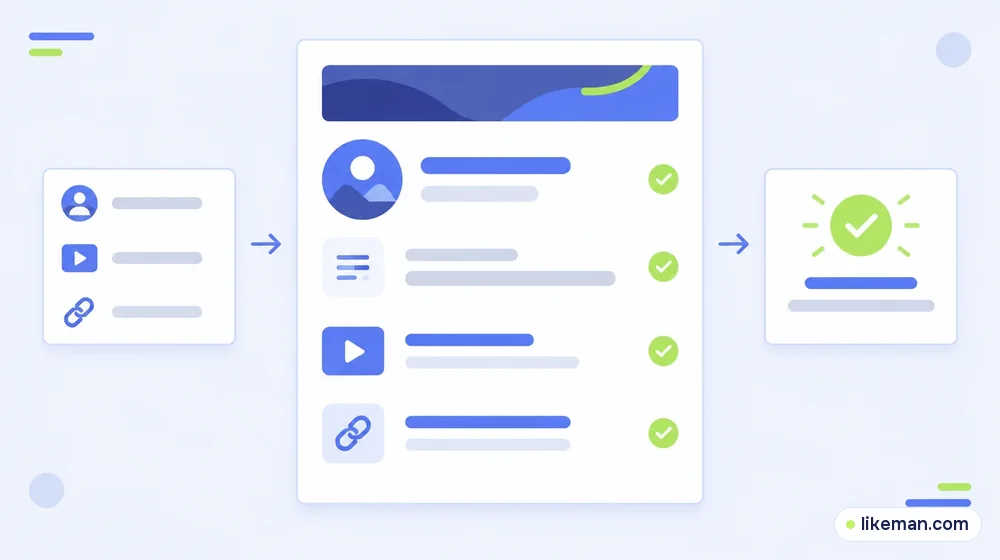
You need a channel — not just a Google account — to upload, comment and create playlists. A personal channel is created from the profile picture → Settings → Add or manage channel(s); a channel with a business or brand name, or with several managers, uses a Brand Account.<!-- checked: 2026-10-16, https://support.google.com/youtube/answer/1646861 -->
Two identities to choose carefully:
- Channel name — shown on your videos. Short, memorable, ideally hinting at the topic.
- Handle (@name) — your unique address. YouTube requires 3 to 30 characters; besides letters and numbers you can use underscores, hyphens and periods.<!-- checked: 2026-10-16, https://support.google.com/youtube/answer/11585688 -->
Both can be changed twice within 14 days, so choose deliberately.<!-- checked: 2026-10-16, https://support.google.com/youtube/answer/2657964 --> Then add a banner that says what the channel is about and how often you post, a short description, links to your other platforms and a 30–60 second trailer for people who aren't subscribed yet.
Coming in this cluster: how to find your channel ID and handle, how to change your channel name, and how the subscribe button works.
2. Getting views
YouTube views come from three places: search, suggested videos next to other videos, and the home feed. Each rewards slightly different things:
- Search rewards titles that match how people phrase questions.
- Suggested rewards videos that keep people watching the next related video.
- Home rewards strong click-through and watch time with your existing audience.
The basics that move all three: a title that promises a specific outcome, a thumbnail readable at phone size, and an opening that delivers on the promise within the first 15 seconds. Our list of 15 proven ways to raise YouTube views goes into each. Coming next: how to promote a YouTube video, free ways to get views, and what counts as a view.
3. Getting subscribers
Subscribers are people who expect your next video to be worth watching. The fastest way to earn them is to make the next video obvious: series, playlists, and end screens that link to a related video.
- Ask for the subscribe at the moment you deliver value, not in the first seconds.
- Keep one channel promise. Viewers subscribe to a topic, not to a person they just met.
- Use playlists so one good video leads to three more.
Our subscriber growth checklist has 15 tactics in order. Coming next: how to get your first 1,000 subscribers with a realistic timeline, how to see who subscribed, and whether buying subscribers is ever worth it.
4. Long videos vs Shorts
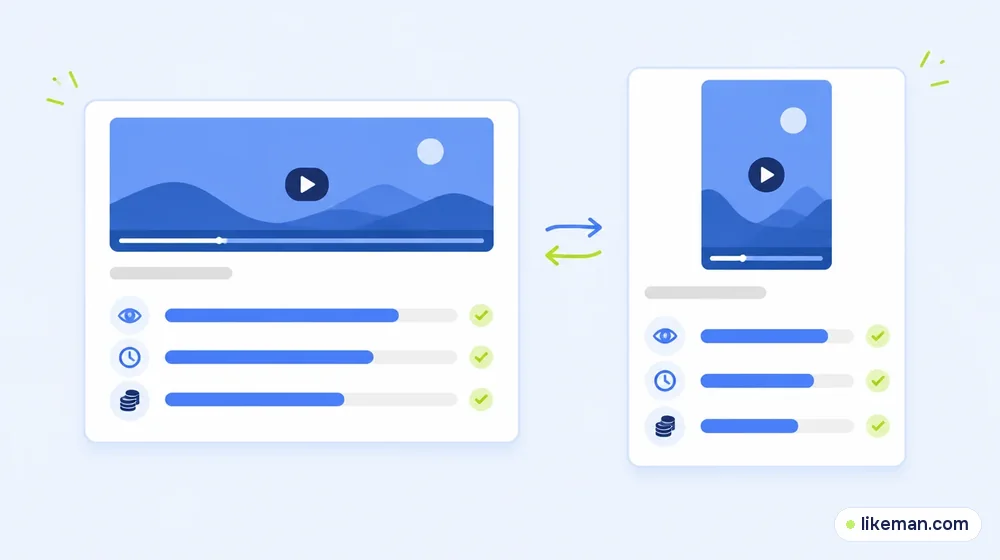
| Long-form videos | Shorts | |
|---|---|---|
| Discovery | Search, suggested, home | Shorts feed |
| Builds | Watch time, deep trust | Reach, new viewers |
| Creator ad share | 55% of ad revenue | 45% of the creator's share of the Shorts pool |
| Best for | Tutorials, reviews, stories | Hooks, tips, highlights from long videos |
YouTube's terms give long-form creators 55% of ad revenue; for Shorts, ad revenue goes into a pool and creators keep 45% of their allocated share.<!-- checked: 2026-10-16, https://support.google.com/youtube/answer/12504220 --> Shorts bring new viewers cheaply; long videos turn them into an audience. Our guide to Shorts monetization and the views it takes explains the pool in detail. Coming next: the maximum length of a Short and how to hide Shorts if you don't want them in your feed.
5. Comments and community
Comments are both a signal and a source of ideas. Reply to the first wave quickly, pin a comment that adds context, and turn frequent questions into new videos.
Coming in this cluster: how to turn on comments for videos and Shorts, why comments aren't showing, what a highlighted comment means, how to search comments, how to see your own comment history and how to format comments with bold, italics and strikethrough.
6. Analytics: the numbers that matter
| Metric | Why it matters | What to do if it's low |
|---|---|---|
| Impressions click-through rate | Whether titles and thumbnails earn the click | Test clearer thumbnails and more specific titles |
| Average view duration | Whether the video delivers | Cut the intro, tighten the middle |
| Returning viewers | Whether people come back | Build series and playlists |
| Traffic sources | Where views come from | Lean into the source that works |
Coming next: channel analytics explained metric by metric, and whether you can see who viewed your videos (you see audience data, not names).
7. The YouTube Partner Program
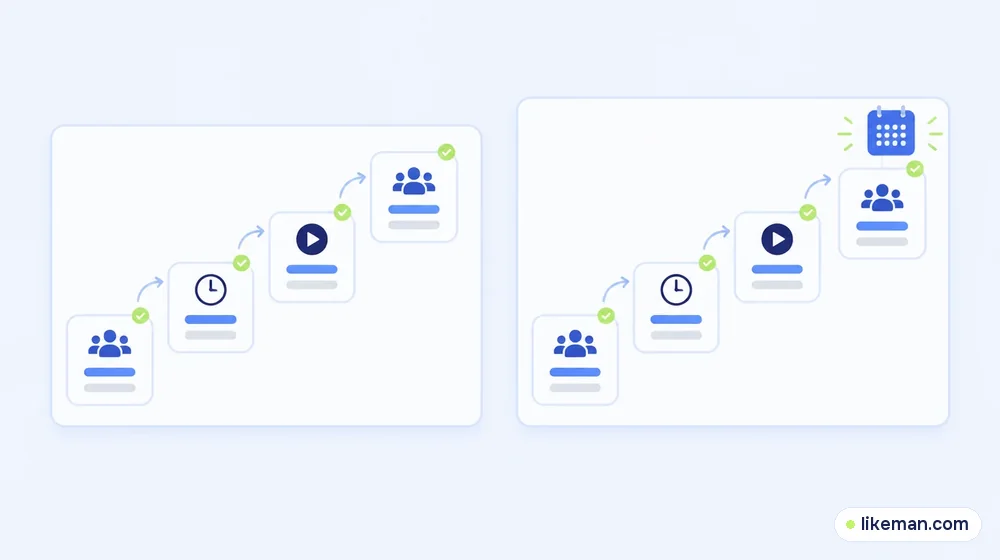
YouTube pays through the Partner Program, with two entry levels:<!-- checked: 2026-10-16, https://support.google.com/youtube/answer/72851 -->
| Level | Subscribers | Plus |
|---|---|---|
| Fan funding and Shopping | 500 | Three public videos over the last quarter, plus 3K watch hours (rolling year) or 3M Shorts views (last quarter) |
| Ad revenue | 1,000 | 4K public watch hours (rolling year) or 10M Shorts views (last quarter) |
An August 2026 announcement changes the entry for anyone applying from 1 February 2027: twice the watch time (8K hours over a year) or twice the Shorts views (20M over a quarter). The thousand-subscriber bar is unchanged.<!-- checked: 2026-10-16, https://blog.youtube/news-and-events/youtube-partner-program-updates-2027-new-opportunities-earn/ -->
Our deeper guides: subscriber thresholds for getting paid and what YouTube really pays per view. Coming next: the 4,000 watch-hours rule explained, a YouTube money calculator, and worked examples for 1,000 subscribers, 100K subscribers, 100K views and 1 million views.
8. Learning from the top
Our list of the most subscribed YouTube channels and the all-time most viewed videos show the same pattern: music, children's content and a few creators who publish relentlessly in one format. The lesson for a small channel isn't scale — it's consistency and a format viewers can recognise from the thumbnail alone.
9. A 30-day plan for a new channel
| Week | Focus | Goal |
|---|---|---|
| 1 | Set up the channel; plan 10 video ideas | Banner, description, trailer done |
| 2 | Publish 2 long videos answering search questions | First search impressions |
| 3 | Cut 4 Shorts from the long videos | Shorts send viewers to long videos |
| 4 | Review analytics; plan the next month | One format to double down on |
10. Mistakes that slow channels down
- Changing topics every few videos.
- Thumbnails crowded with small text.
- Long intros, logos and "before we start" segments.
- Uploading irregularly, then several videos at once.
- Ignoring comments for days.
- Judging a video by its first 24 hours — many YouTube videos grow over months through search.
11. Titles and thumbnails that earn the click
Most viewers decide in a fraction of a second whether to click. A few rules that hold across niches:
- Promise one specific outcome. "Fix a slow laptop in 10 minutes" beats "Laptop tips".
- Match the search phrase for tutorial videos, but write it for humans.
- Three words or fewer on the thumbnail. The title explains; the thumbnail creates curiosity.
- One clear subject — a face, an object or a result — with strong contrast.
- Consistency. A recognisable thumbnail style helps returning viewers spot your new upload.
YouTube Studio lets you compare thumbnails over time. Change one element at a time so you know what made the difference.
12. Planning content that lasts
The best YouTube videos keep earning for years. Plan a mix:
- Evergreen answers to questions people will still ask next year.
- Series that viewers binge in order.
- Timely videos — news, launches, seasonal topics — for short bursts of traffic.
- Community videos — Q&A, behind the scenes — for loyal viewers.
A healthy channel leans on evergreen videos and uses timely ones as accelerators. Keep a spreadsheet of ideas with the search phrase, the format and the expected length so a slow week never becomes a missed upload.
13. Collaborations
Collaborating with channels your size introduces you to viewers who already like your topic. Swap guest appearances, make a joint challenge or answer the same question from two angles and link the videos to each other. Choose partners whose audience overlaps with yours rather than the biggest name that will reply.
14. Chapters, captions and descriptions
Small details help both viewers and search:
- Chapters — add timestamps in the description starting at 0:00. Viewers jump to the part they need, and chapters can appear in search results.
- Captions — upload or correct automatic captions. Many people watch without sound, and accurate captions help viewers in other countries follow along.
- Descriptions — the first two lines show under the video. Summarise what the viewer gets and put the main phrase there naturally.
- Pinned comment — link the next video or the playlist so the session continues.
15. Live streams and Premieres
Live streams build loyalty that edited videos can't: viewers ask questions in real time and see you unscripted. Start with a short, regular slot — a weekly Q&A or a working session — and save the stream as a video afterwards. Premieres let you publish a finished video as a scheduled event with live chat, which works well for big uploads and series launches. Announce both a day ahead in a Community post and in your latest video.
16. Community posts and Shorts as a funnel
Community posts — text, polls, images — keep subscribers involved between uploads and help you test ideas: run a poll on two video topics and make the winner. Shorts work best as trailers for long videos. Cut the most surprising 30 seconds, end with a reason to watch the full version, and link the related long video. Over time, check in analytics how many Shorts viewers go on to watch your long videos; that number tells you whether your Shorts are building an audience or just collecting views.
17. Protecting your channel
- Turn on two-step verification for the Google account that owns the channel.
- Give editors and managers their own access through channel permissions instead of sharing your password.
- Be wary of "sponsorship" emails with attachments or login links — a common way channels get hijacked.
- Keep a backup email and phone number up to date for account recovery.
If your channel is ever compromised, YouTube's help centre has a recovery flow for hacked accounts; acting within the first hours makes recovery much easier, so keep the recovery details current before you need them.
18. Gear and editing on a budget
A recent smartphone, a window for light and a clip-on microphone are enough to start. Viewers forgive average video far more than bad audio. Free editors handle cuts, captions and simple titles; upgrade cameras only after you've published consistently for a few months and know which format you'll keep making.
How it works at LikeMan
Our service is growth, not channel management. On our YouTube page you'll find subscribers, video likes, views, Shorts views and comments. Orders work from the public link of your channel or video — we never need your Google login. Checkout shows the exact cost, the order launches on its own, and our 365-day guarantee covers any shortfall. Keep expectations straight: delivered views and subscribers add no public watch hours toward the Partner Program. They make a fresh channel look lived-in while real viewers build the watch time.
FAQ
How long does it take to grow a YouTube channel?
Most channels need months of steady uploads before growth compounds. Search-driven videos keep bringing viewers long after publishing.
Should I start with Shorts or long videos?
Use both: Shorts for discovery, long videos for watch time and loyalty. Cut Shorts from your long videos to save time.
How many subscribers do I need to make money?
Half a thousand unlocks fan funding and Shopping; a full thousand unlocks ads. Both levels also need watch time or Shorts views.
What changes in 2027?
Newcomers who apply for ads after 1 February 2027 face a doubled watch-time or Shorts target; existing partners keep their status if they accept the updated terms.
Do I need a niche?
It helps a lot. A channel about one topic is easier to recommend and easier to subscribe to. You can widen the topic later once you have a core audience.
How often should I upload?
Choose an upload pace you can sustain for at least three months — one long video a week plus two or three Shorts is realistic for most solo creators.
Can I change my channel name later?
Yes, the name and handle can each be changed twice within 14 days.
Conclusion
YouTube rewards channels that answer real questions, keep viewers watching and publish on a rhythm. Set up the channel carefully, use Shorts to be found and long videos to be remembered, read your analytics monthly and aim for the Partner Program thresholds — with the 2027 changes in mind. Each section above links to the deeper guide you'll need next.