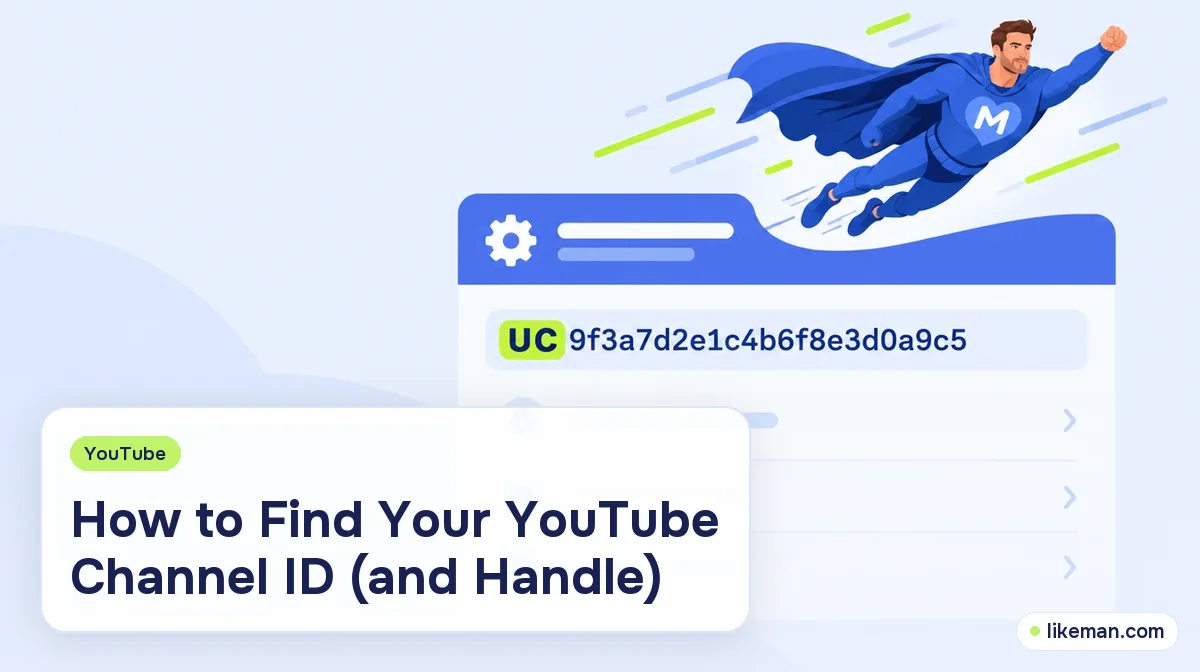
Open YouTube while signed in as the channel owner, choose your profile picture, then Settings, then Advanced settings. Your channel ID is listed there and starts with "UC". Your handle is the different, shorter name that starts with "@" and appears on your channel page.
Tools, plug-ins, embed codes and analytics services often ask for a "channel ID", and many people paste their @name by mistake. The two are not the same. Here is where to find each one, how to read them, and what to do when you need the ID of a channel that is not yours.
What is a YouTube channel ID?
A channel ID is the permanent code YouTube gives every channel. It looks like a long string of letters and numbers, begins with "UC" and is 24 characters long. You never choose it, and it does not change when you rename the channel. That stability is the reason software prefers it.
A handle is the readable @name, such as the one that appears in comments and in the address of your channel page. YouTube's help page on handles says a handle is unique to one channel, starts with "@" and cannot be sold or transferred.<!-- checked: 2026-10-15, https://support.google.com/youtube/answer/11585688 --> It is meant for people to read and type.
| Channel ID | Handle | |
|---|---|---|
| Looks like | UC followed by 22 characters | @ followed by a short name |
| Who picks it | YouTube | You |
| Can it change? | No | Yes, subject to YouTube's rules |
| Best used for | Tools, APIs, embeds | Mentions, sharing, search |
How to find your own channel ID
On a computer, follow YouTube's own steps for finding your channel ID:
- Open YouTube and sign in.
- Select your profile picture in the top right, then Settings.
- Choose Advanced settings from the left menu.
- Copy the channel ID shown there.
YouTube states that only the channel's primary owner sees this information. If the channel sits under a brand account, switch to that account first, because Settings shows the details of whichever channel is active.
Menus move around with updates. If you do not see the same labels, look for "Advanced settings" or the channel section of Studio, where the same field appears.
Can you find it on a phone?
The help page gives the same path for a mobile browser. In the app, the layout is more limited, so the easiest approach on a phone is to open YouTube in your browser, switch to the desktop site if needed and follow the steps above. Another route is to open your channel and use the share option to copy its link, then read the address, as described below.
Find a channel ID from a URL
Some channel addresses contain the ID directly. A link in the form youtube.com/channel/ followed by a string starting with UC contains the ID right there. Copy the part after "channel/".
Other channels use a handle address, like youtube.com/ followed by an @name. That form does not show the ID. If a tool needs the UC string for such a channel, open the channel page and share it or look it up through an ID finder tool.
How to find the ID of someone else's channel
You cannot see another person's Settings, so use one of these routes.
- The share link. Some channels, when shared from the app, produce a link with the ID in it.
- A finder tool. You paste the channel link and the tool returns the ID. These work by reading public information. Never enter your Google password into a finder; a legitimate one only needs the public link.
- The page source. Advanced users open the channel page in a browser, view the page source and search for "channelId". It works, but it depends on how the page is built and can change.
The ID of a public channel is public information, so no permission is needed to look it up.
How to find or change your handle
Your handle is shown on your channel page, usually under the channel name. You manage the name and handle in YouTube Studio, and YouTube's handle page lists the rules: generally 3 to 30 characters, letters or numbers, with underscores, hyphens and periods allowed but not at the start or end, and the handle cannot already be taken. A handle that looks like a URL or a phone number is not allowed.
Changing the handle changes the address of your channel page, so update the link in your social bios afterward. The channel ID stays the same.
When do you need the channel ID?
- Embedding a feed or a latest-video widget on a website.
- Setting up analytics or a reporting tool.
- Connecting a channel to a tool that posts on your behalf.
- Using the YouTube Data API.
- Filling in a form for a brand or an agency.
When a form says "channel URL", the handle address usually works. When it says "channel ID", paste the UC string.
Checklist before you paste the ID
- [ ] It begins with UC and has 24 characters.
- [ ] It was copied from the channel you meant, not another one on the same account.
- [ ] You did not paste your handle by mistake.
- [ ] You did not type your password into any tool.
- [ ] You kept the ID itself unchanged, with no spaces at the ends.
Does the channel ID matter for growth?
No. It is an identifier and has no effect on how often YouTube shows your videos. If growth is your goal, work on the basics, such as titles, thumbnails and retention; our guide to getting more subscribers on YouTube covers them, and subscriber thresholds for earning shows what the milestones mean.
How it works at LikeMan
To add subscribers with LikeMan, you do not need the channel ID at all. YouTube subscribers are ordered with the public channel link. No password is requested. You see the total up front, work begins by itself once payment clears, and a decline over the following twelve months gets topped up. A subscriber count shows interest on the surface and does not replace good videos.
The rest of the options live on the LikeMan YouTube page.
FAQ
Where is my YouTube channel ID?
In Settings, under Advanced settings, when you are logged in as the channel's main owner.
Is the channel ID the same as the handle?
No. The ID is an unchangeable code starting with UC; the handle is the @name you choose.
Can I change my channel ID?
No. The ID is permanent for the channel.
Can I find the ID of a channel I don't own?
Yes, from its link or with a finder that reads public information.
Conclusion
Your channel ID lives in Settings under Advanced settings and starts with UC, while your handle is the @name on your channel page. Use the ID for tools and the handle for sharing, and never type a password into an ID finder.
Prepared with AI assistance and fact-checked by the LikeMan editorial team. Last reviewed: 2026-10-15.